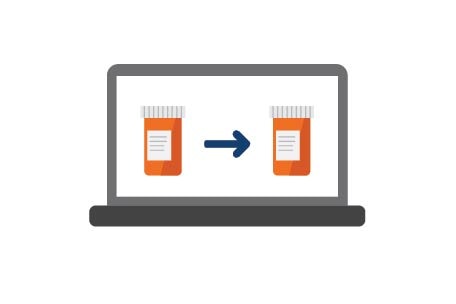
Take a task off your list with auto refills
With auto refills, save time and get your prescriptions delivered right to your door — right when you need them. Once you sign up, we’ll refill and deliver your medications automatically and text you when they’re on the way.
Set up auto refills on kp.org
Step 1: Sign in to kp.org/auto-refill.
Step 2: Select “Add Prescriptions” for eligible medications.
Step 3: Choose “Set up Auto Refill” and then “Confirm Auto Refill” to sign up.
Use the Kaiser Permanente app to set up auto refills
Step 1: Sign in to the app and choose “View Pharmacy.”
Step 2: Scroll down and select “Auto Refill.”
Step 3: Select “Add Prescriptions.”
Step 4: Choose “Set up Auto Refill” and then “Confirm Auto Refill” to sign up.
Note: Auto refilling a prescription stops refill reminders for that medication.


 Sign out