Kaiser Permanente Logo
Kaiser Permanente logo


A new experience at your fingertips

Take a minute to explore your new homepage, menu, and shortcuts. 

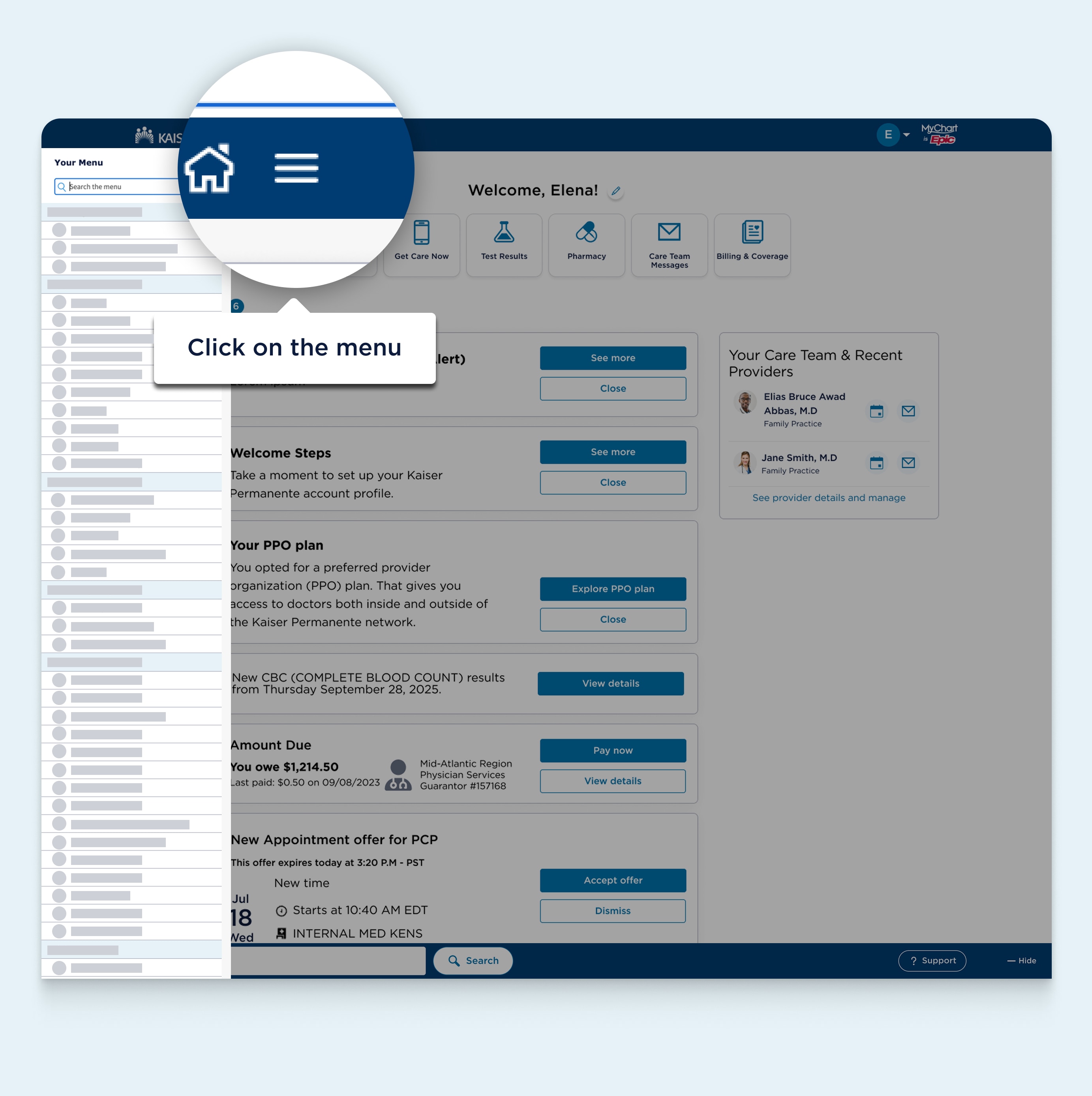
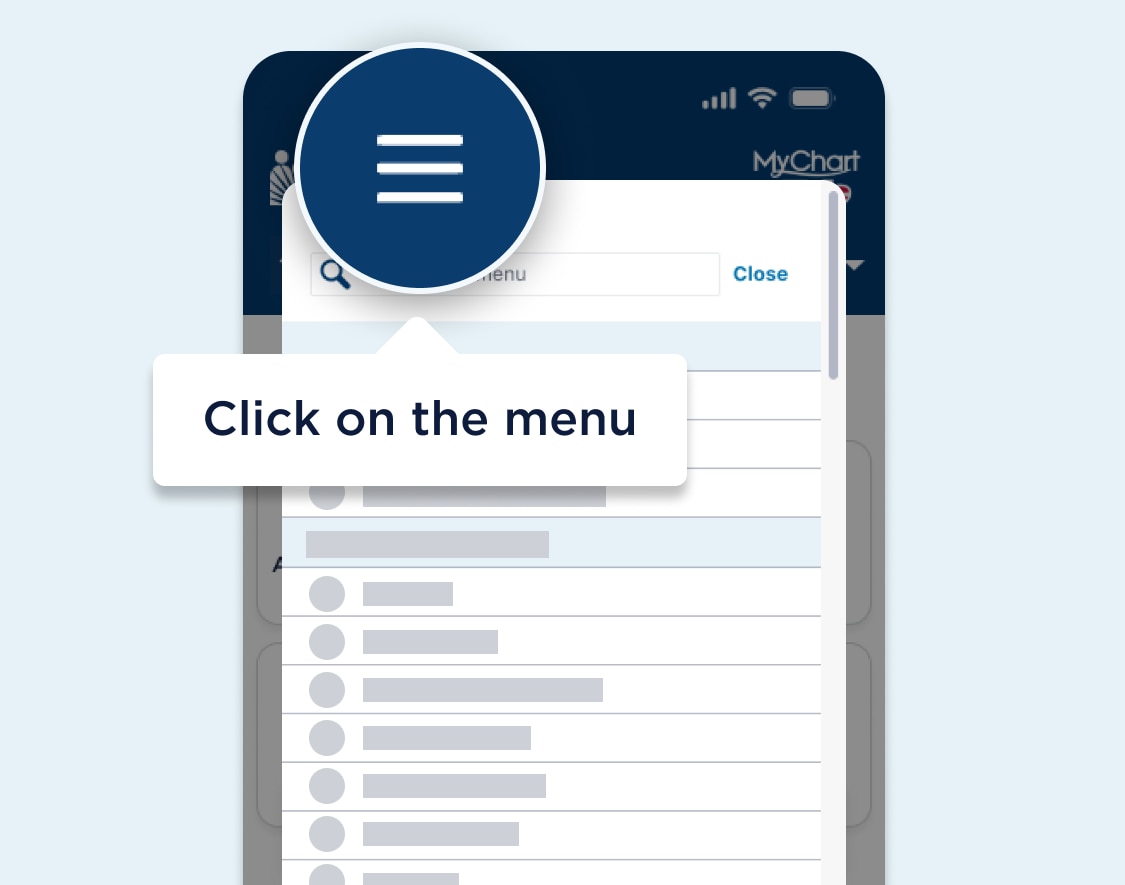
Start by tapping the menu button at the top left corner of the navigation header to view appointments, bills, health records, and more. 

1 of 4

Skip this introduction

Have more questions? Get help with MyChart.

MyChart dashboard webpage featuring a highlighted area after the Kaiser Permanente logo in the navigation header showing the main navigation menu which is visually represented by a Menu icon. A text bubble for the highlighted area says click on the menu. MyChart dashboard webpage featuring a highlighted area after the Kaiser Permanente logo in the navigation header showing the main navigation menu which is visually represented by a Menu icon. A text bubble for the highlighted area says click on the menu.

Find what you need fast

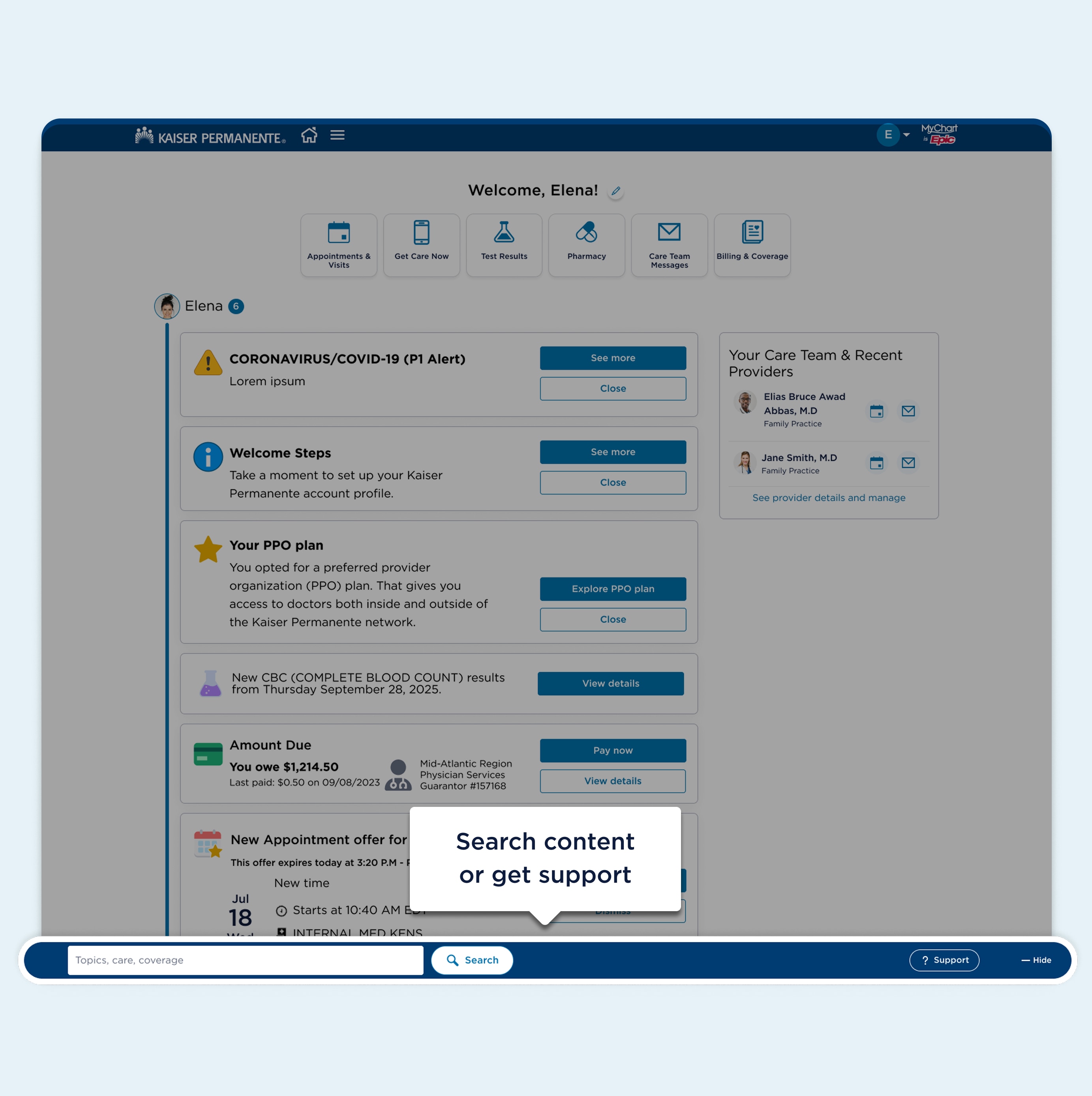
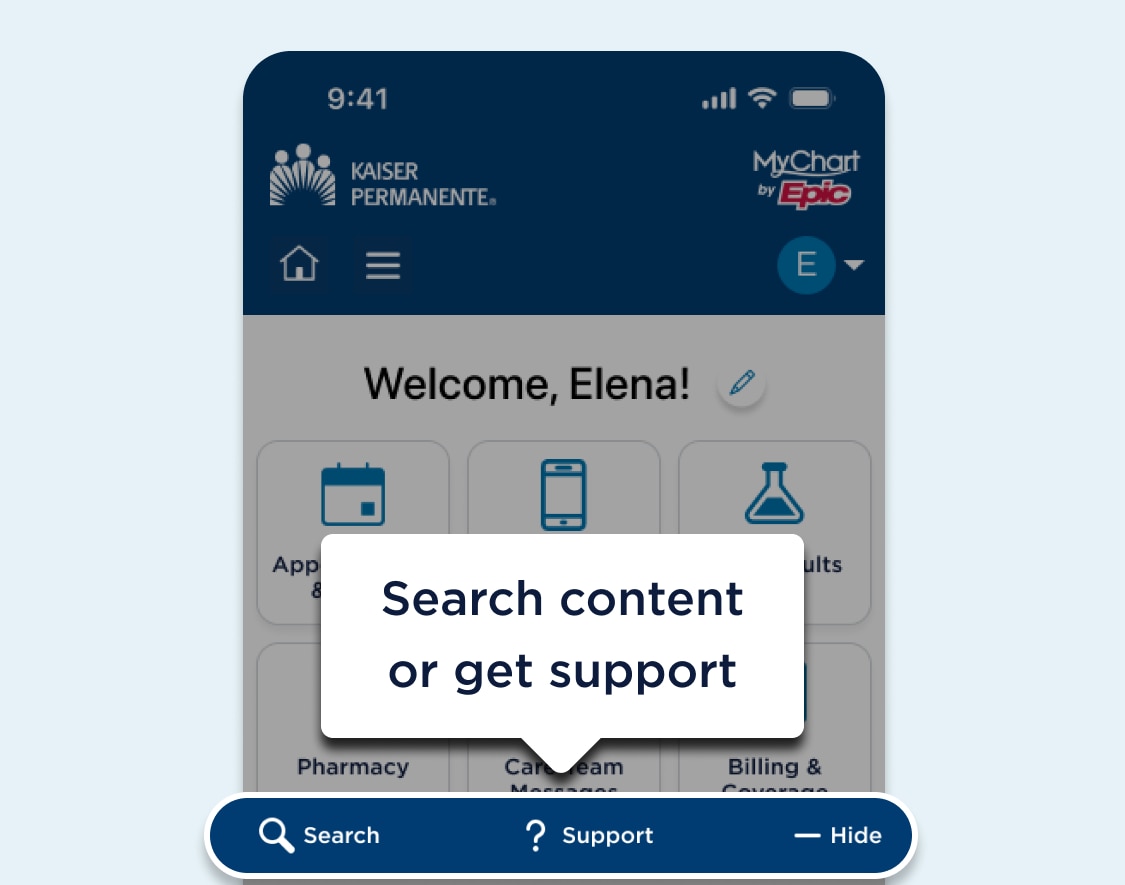
You can use the Search and Support buttons at the bottom of the screen to get help or find information.

2 of 4

Skip this introduction

Have more questions? Get help with MyChart.

MyChart dashboard webpage featuring a highlighted area in a bar near the end of the page content showing action buttons search and help. A text bubble for the highlighted area says search content or get support. MyChart dashboard webpage featuring a highlighted area in a bar near the end of the page content showing action buttons search and help. A text bubble for the highlighted area says search content or get support.

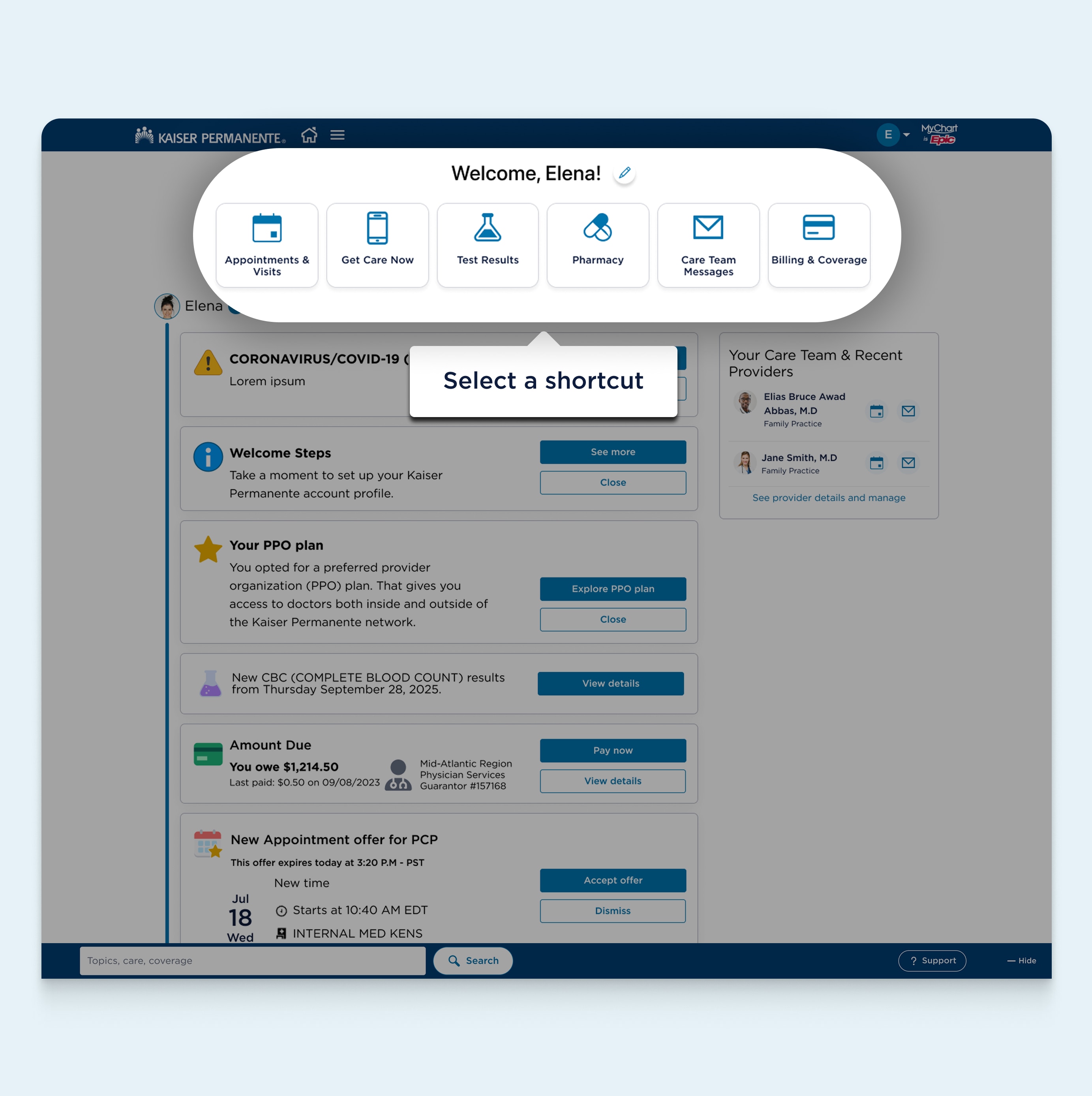
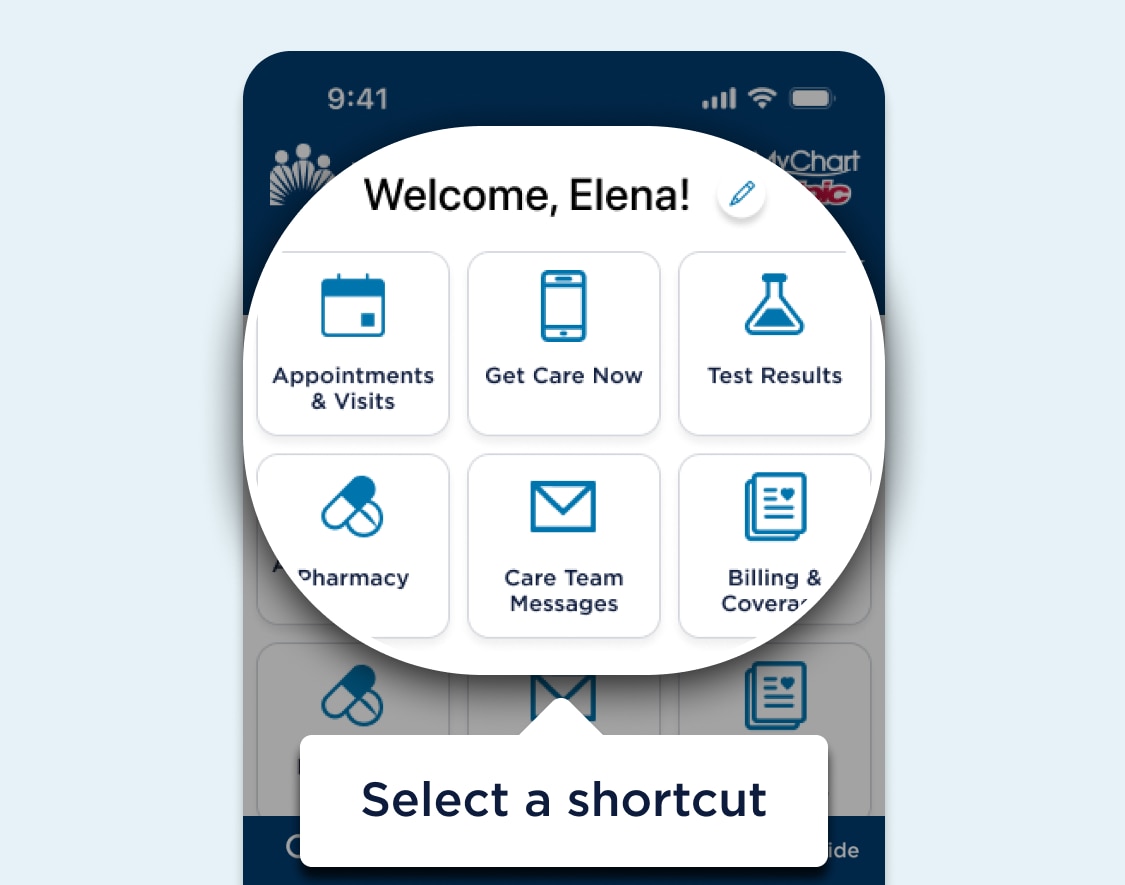
Save time with shortcuts

Access your care with shortcuts. Manage your shortcuts by tapping the pencil icon at the top of the screen.

3 of 4

Skip this introduction

Have more questions? Get help with MyChart.

MyChart webpage featuring a highlighted area with customizable shortcuts below the level one heading. A Pencil icon comes after the heading and a text bubble for the whole highlighted area says select a shortcut. MyChart webpage featuring a highlighted area with customizable shortcuts below the level one heading. A Pencil icon comes after the heading and a text bubble for the whole highlighted area says select a shortcut.

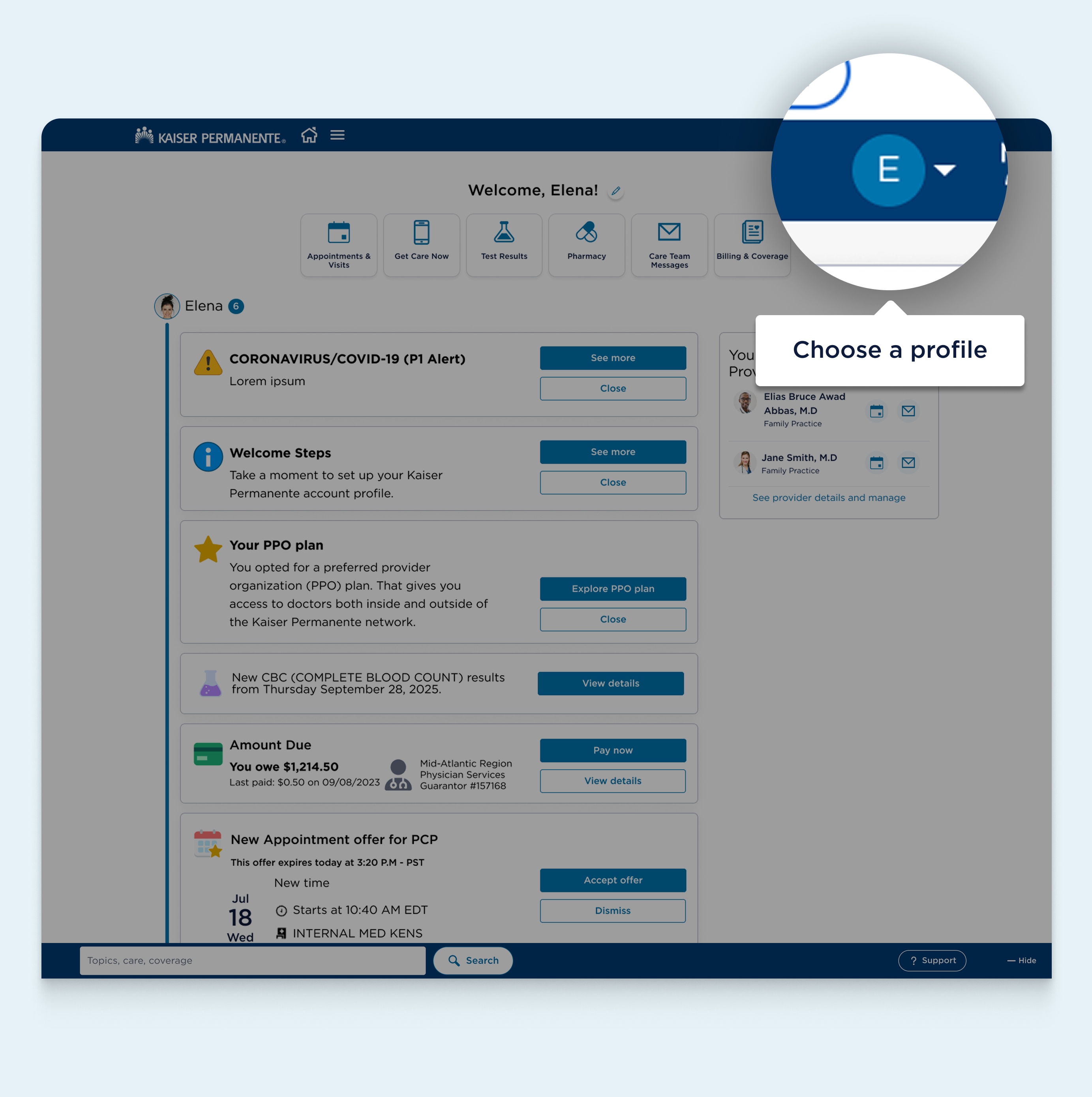
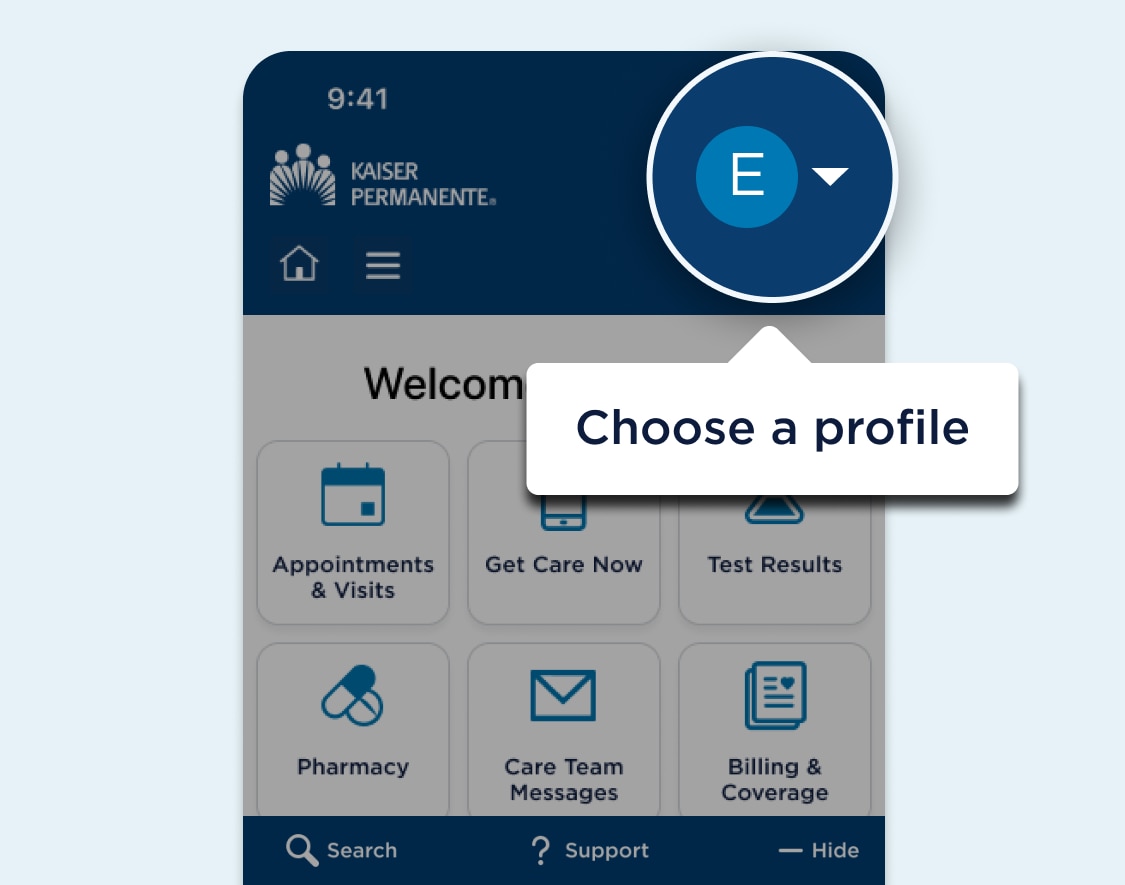
Switch between accounts and view family list

Helping someone with their care? Tap the menu button at the top right corner of the navigation header and select “Manage friends and family” to add someone to your account. You can then use the menu to switch between accounts quickly and easily. 

Have more questions? Get help with MyChart.

4 of 4

Have more questions? Get help with MyChart.

Have more questions? Get help with MyChart.

MyChart dashboard webpage featuring a highlighted area near the end of the navigation header showing the account options menu button. A text bubble for the highlighted area says choose a profile. MyChart dashboard webpage featuring a highlighted area near the end of the navigation header showing the account options menu button. A text bubble for the highlighted area says choose a profile.

© {currentyear} Kaiser Foundation Health Plan, Inc.